


Which steering wheel should you buy to start sim racing (2026)?

Getting started in simracing is easy. Choosing well from the beginning, not so much.
Many people end up buying based on price or what they already know (typically Logitech) without really understanding what they’re buying or how it will affect the experience on track. And that’s where the doubts start… or the urge to change equipment after just a few months.
At Simufy we work with different steering wheels for every level, but the key is not which one is best overall, but which one makes sense for you to start with.
Here you’ll see which options are worth it today, which technology to choose and, above all, which mistakes to avoid so you don’t waste money on your first setup.
Which steering wheel to buy to start simracing
Not all steering wheels offer the same experience. The difference lies in how they deliver force feedback and in the level of detail you’ll feel while driving.
The most well-known entry-level models use basic systems. They’re accessible, but limited in smoothness, noise and precision, which makes the experience lose realism over time.
Today, the real shift is toward Direct Drive systems. They eliminate intermediaries and connect the wheel directly to the motor, which translates into more detail, faster response and much cleaner feedback.
Basic option to get started
- Compatible with PC and PlayStation
- A good entry point if you want to try simracing
- Limited feedback compared to DD
- Easy desk setup
Best entry point today
- Direct Drive base with 5.5 Nm
- Includes wheel + pedals
- Compatible with PC and Xbox
- Much more precise and realistic
That’s why choosing well isn’t about brands, but about understanding which technology makes sense today. And in most cases, starting with Direct Drive is the smartest decision.
Best steering wheels to start simracing with (by budget)
Not all setups start from the same point. The key is to choose based on how much you want to invest and, above all, how seriously you want to take simracing from the start.
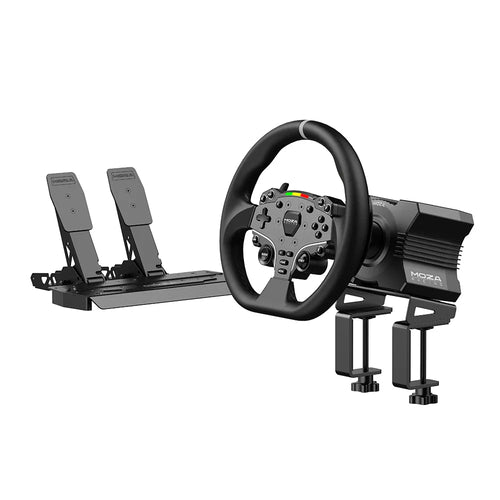
MOZA R5 Bundle
The best entry point into Direct Drive
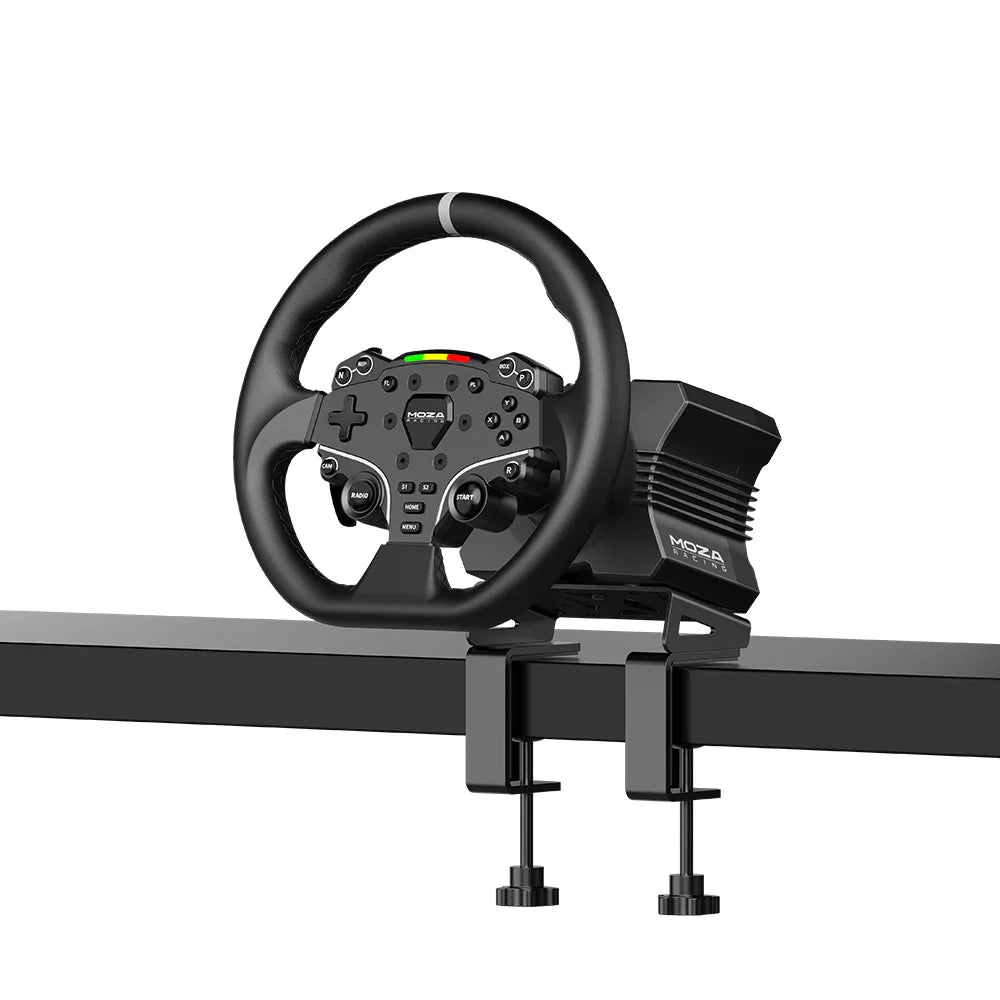
- Direct Drive base with 5.5 Nm and instant response
- Complete bundle: base, ES wheel and pedals included
- Compatible with PC and Xbox
- 15-bit encoder for greater precision in every movement
- 1000 Hz frequency for a smoother feel
- Quick Release included for fast wheel changes
This bundle is designed for anyone who wants to start seriously without complications. You don’t need to buy anything else to get started, and it offers a level of detail far above basic options, both in corners and in moments of lost grip.
On top of that, its compact size makes it suitable for desk use, while its aluminum and steel build quality puts it closer to professional setups than entry-level gear.
Thrustmaster T128
Basic option to get started
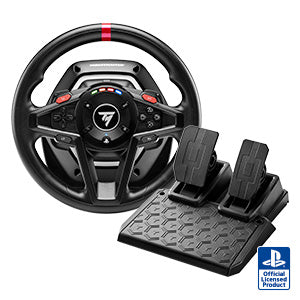
- HYBRID DRIVE Force Feedback (belt + gears)
- Compatible with PC and PlayStation
- T2PM magnetic pedals included
- Angle automatically adjustable between 270º and 900º
- Magnetic shifters with fast response
- Easy desk installation (plug & play)
If you’re looking for the cheapest way to get started, this wheel does the job. It’s easy to use, accessible and enough to get your first laps in without a big investment.
That said, it’s important to understand that its technology is more limited. Compared to Direct Drive options, it offers less precision, less detail and a less realistic feel.
Fanatec ClubSport Racing Wheel F1 (15 Nm)
Professional Formula 1 experience
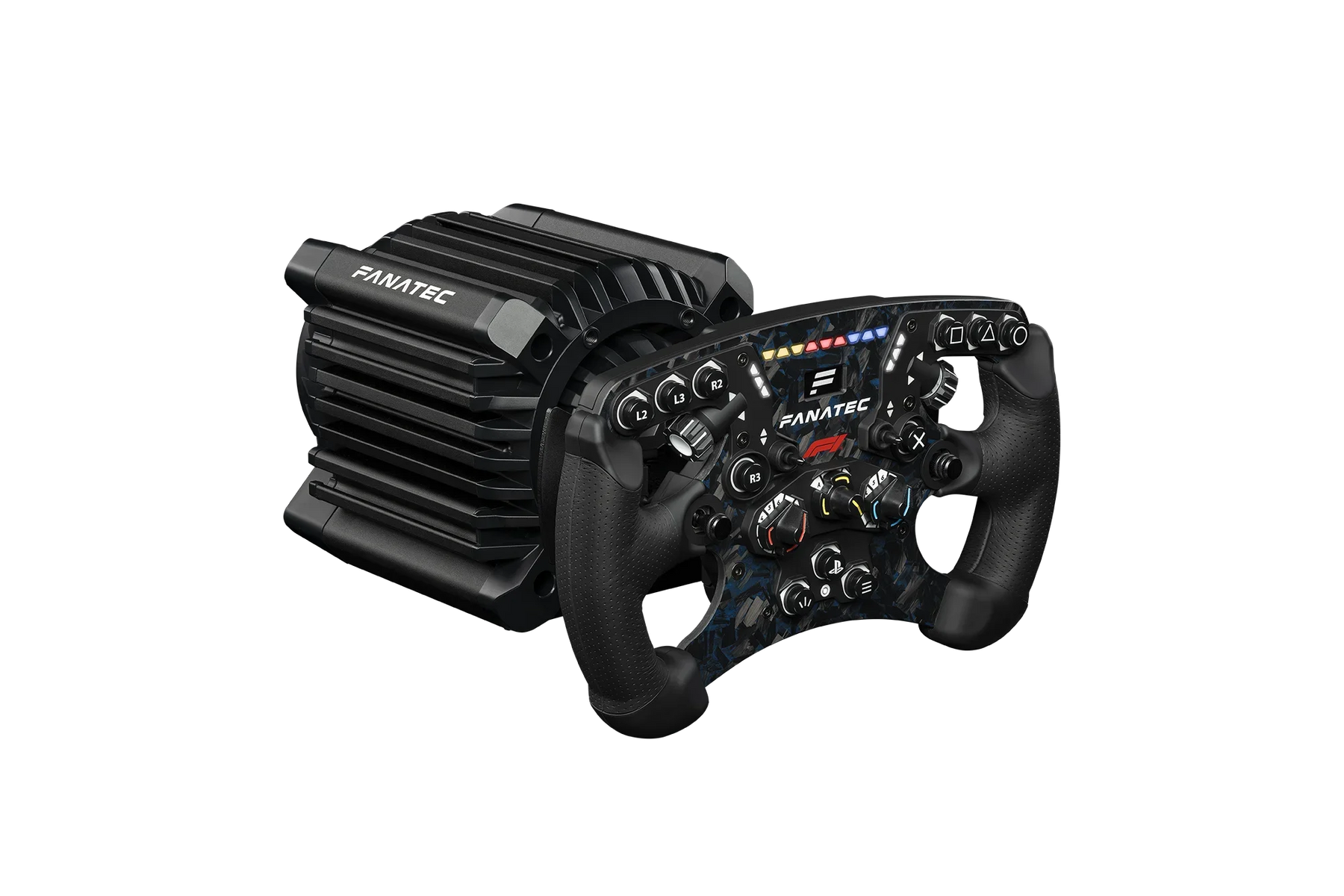
- Direct Drive base with 15 Nm real torque
- FullForce technology for more detail and vibration
- 270 mm F1 wheel with premium finish
- OLED display + RGB LEDs for telemetry
- Magnetic shifters and advanced controls
- Compatible with PlayStation and PC
This setup is designed for those looking for a no-compromise experience. It’s as close as you can get to a real race car, both in strength and in level of detail.
It’s not a wheel for starting from zero. It requires a cockpit and some previous experience, but in return it offers precision, consistency and professional-level feedback.
MOZA R3 Bundle
Accessible Direct Drive for PC
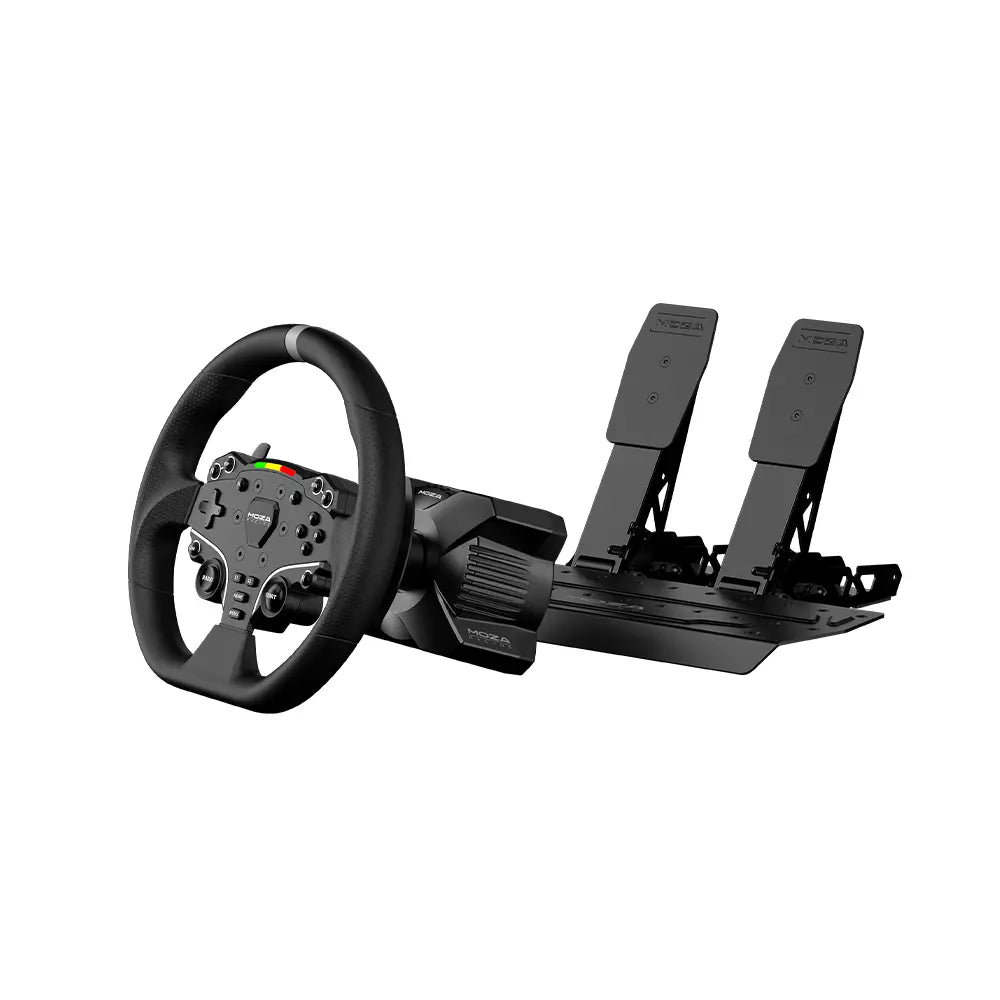
- Direct Drive base with 3.9 Nm
- Complete bundle: base, wheel and pedals
- Compatible with PC only
- Compact format ideal for desk use
- Built in aluminum and steel
- Good level of detail for its range
The R3 is an interesting alternative if you want to make the jump to Direct Drive on a tighter budget. More precise than basic options and with a cleaner feel from the first use.
That said, its lower power means it has less long-term headroom. It’s a good entry into the MOZA ecosystem, but if you can stretch a bit more, the R5 is still a more complete option.
The most common mistake when starting simracing (and how to avoid it)
Most people getting into simracing make the same mistake: focusing on the wheel and forgetting about the pedals.
It’s normal, the wheel is the most eye-catching part. But in practice, what really makes the difference is the brake. Good braking control is what makes you consistent and fast, not having more Nm.
Basic pedals work by travel distance (how far you press them), while advanced ones use a load cell, which measures pressure. This allows you to build muscle memory and brake the same way every time.
Clear conclusion: it’s better to start with a decent wheel and upgrade the pedals later than to spend your whole budget on the wheel and come up short where it really matters.
Desk or cockpit? What you need to keep in mind
Another key point when choosing your wheel is where you’re going to use it. Not all setups require the same level of stability.
- Up to 5–8 Nm: you can use it on a desk without any problem. It’s the most convenient option to get started.
- From 9 Nm onwards: you need a rigid cockpit to avoid vibrations and loss of feedback.
A powerful wheel mounted poorly loses a big part of its performance. That’s why setup stability is just as important as the hardware itself.
If you’re just starting out, the most logical option is a properly mounted desk setup and, later on, making the jump to a cockpit when you really need it. If you have doubts, you can check this guide on cockpits for getting started in simracing.
Which steering wheel to buy to start simracing (final recommendation)
If you don’t want to overcomplicate it, here’s the clear choice depending on your case:
The T128 is the cheapest way to get started. It does the job, but with clear limitations.
The MOZA R5 is the perfect balance. Direct Drive, complete bundle and real feedback from day one.
The MOZA R3 is a more affordable entry into DD, although with less room for the future.
The Fanatec F1 15 Nm is an advanced option. It’s not for beginners, but it is for racing seriously.
Extra recommendation: if you can, start with a Direct Drive like the R5. It’s the most balanced option and the one that will give you the best experience right from the start.
Frequently asked questions about simracing steering wheels
What is the best steering wheel to start simracing with?
It depends on your budget, but today the most recommended option is to start with Direct Drive. Options like the MOZA R5 offer a much more realistic and complete experience from the beginning, helping you avoid changing equipment after a short time.
Is it worth buying a Logitech G29 or G920 today?
It depends on what you’re looking for. They are still valid options to get started, but for a similar price you can access more modern alternatives like a MOZA R3 or R5, which offer better precision, greater detail and a more current experience.
What is better: Direct Drive or a gear-driven wheel?
Direct Drive is clearly superior. By eliminating belts and gears, it transmits information more directly, with more precision, less noise and greater realism. Traditional systems are cheaper, but also more limited.
How many Nm do I need to start simracing?
To get started, between 3 and 8 Nm is more than enough, especially if you use a desk. Beyond that, more power doesn’t mean being faster, but having more headroom to feel details without saturation.
Can a simracing steering wheel be used on a desk?
Yes. Most entry-level setups (up to 5–8 Nm) are designed for desk use. If you’re going to use something more powerful, it’s recommended to mount a cockpit to avoid vibrations and get the most out of the hardware.

Written by Salva Talens
Professional esports driver and coach, co-founder of Simufy Academy
Engineer and professional esports driver, co-founder of Simufy Academy. He races in the iRacing top split with over 9,000 iRating and has qualified for the Porsche TAG Heuer Esports Supercup. He knows hardware from the only place that matters: lap pace.